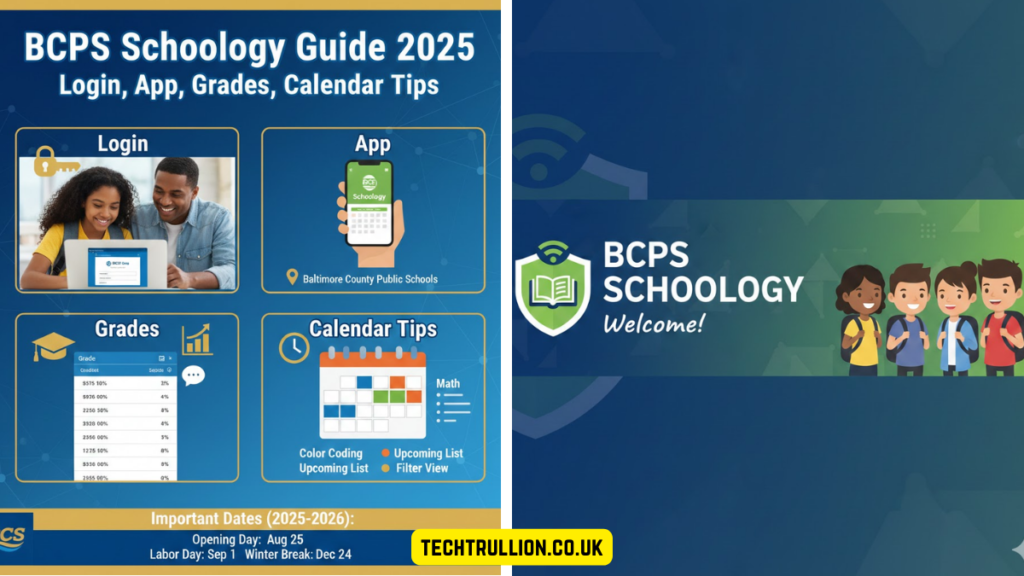

Navigating online learning can be tricky, especially when juggling multiple classes, assignments, and schedules. If you’re part of Baltimore County Public Schools, there’s a tool designed to make life easier: BCPS Schoology. Whether you’re a student, parent, or teacher, understanding how it works can save time, reduce stress, and help you stay organized. In this guide, we’ll walk through everything from logging in, using the mobile app, tracking grades, and managing calendars, to tips that can make your experience smoother.
What Is BCPS Schoology?
At its core, BCPS Schoology is a Learning Management System (LMS). Think of it as a digital classroom where teachers can post assignments, students can submit work, and parents can monitor progress. Unlike traditional online portals that just show grades, Schoology integrates communication, class materials, assessments, and schedules all in one place.
From my own experience, the first time I logged in, it felt overwhelming because there were so many tabs and menus. But after a week of exploring, it became clear how intuitive it really is. For example, all assignments are listed by due date, so missing a homework deadline is less likely.
Logging Into BCPS Schoology
The login process is straightforward, but a few tips can prevent frustration.
- Go to the Official Site: Always start at bcps.schoology.com. Avoid third-party links—they might not work or could be insecure.
- Use Your BCPS Account: Students, staff, and parents have different login credentials. Students often use their school email, while parents need a parent account setup.
- Reset Passwords Carefully: If you forget your password, don’t panic. Click “Forgot Password” and follow the prompts. It usually takes just a few minutes to regain access.
A small tip: I’ve noticed that logging in from a school-issued device can sometimes bypass extra verification steps, which is handy if your home internet is slow.
Using the BCPS Schoology App
For many families, the mobile app is a game-changer. Available for iOS and Android, the app lets you check assignments, grades, and messages on the go.
Why the App Helps
- Notifications: Get instant alerts for new grades or announcements.
- Submission: Upload homework from your phone if you don’t have immediate access to a computer.
- Calendar Sync: Keep track of deadlines and events without juggling multiple apps.
I personally use the app to check if my child has completed assignments. One evening, I noticed a math quiz was due the next morning—thanks to the push notification, we avoided a last-minute panic.
Tracking Grades and Progress
BCPS Schoology isn’t just about submitting work—it’s about understanding progress. Teachers can post grades, and parents can monitor trends over time.
A useful strategy I recommend is checking grades weekly instead of waiting for report cards. This approach helps identify any struggling areas early. For instance, one parent I know realized their child was missing participation points in history, which they could quickly address before it impacted the overall grade.
Tips for Students
- Review Feedback: Many teachers leave comments on assignments, not just scores.
- Ask Questions: If a grade seems off, reach out promptly.
- Track Patterns: Look for recurring mistakes and focus on improving those areas.
Managing Calendars and Deadlines
One of the most underrated features is the built-in calendar. Unlike a traditional paper planner, it updates automatically as teachers post assignments.
How to Make the Most of It
- Color-Code Subjects: Helps visually separate classes and avoid confusion.
- Set Reminders: Use the app’s alert system or sync with your phone calendar.
- Plan Ahead: Look at the week’s schedule every Sunday evening to anticipate busy days.
For example, when my child had back-to-back science and English quizzes, the calendar alert system helped them prep without feeling overwhelmed.
Collaboration and Communication
BCPS Schoology also allows for seamless communication between students, parents, and teachers. Discussion boards, messages, and announcements ensure everyone stays in the loop.
From experience, joining class discussions online can be intimidating at first, but it fosters better understanding and sometimes even sparks curiosity that wouldn’t happen in a traditional classroom setting. Parents can also use the system to ask teachers clarifying questions without waiting for parent-teacher conferences.
Common Challenges and How to Handle Them
Like any platform, BCPS Schoology comes with a few hiccups.
- Login Issues: Usually resolved by password resets or clearing browser cache.
- Assignment Upload Problems: Ensure files are compatible and under size limits.
- Notification Overload: Customize alerts in settings to avoid constant pings.
I’ve learned that a little patience goes a long way. When a student accidentally submits the wrong file, the teacher often allows resubmission if you contact them quickly.
Real-Life Example
To make this more concrete, let me share a story: One of my students had trouble remembering multiple due dates. By using the calendar and notifications in Schoology, we created a system where every assignment had a reminder 48 hours in advance. Within a month, not only were submissions on time, but stress levels decreased, and grades improved slightly.
It’s small adjustments like this that turn a powerful tool into a practical everyday aid.
FAQs About BCPS Schoology
1. Can parents view all assignments in BCPS Schoology?
Yes, parents can access assignments, grades, and teacher comments using a parent account.
2. Is BCPS Schoology free for students and parents?
Yes, the platform is free, but devices and internet access are required.
3. Can I access BCPS Schoology on my phone?
Absolutely. The mobile app is available for iOS and Android and offers full functionality.
4. What if I forget my login password?
Click “Forgot Password” on the login page and follow the steps to reset it.
5. How do notifications work on Schoology?
Users receive alerts for grades, new assignments, and messages. You can customize frequency in settings.
Conclusion
BCPS Schoology is more than just a digital classroom—it’s a comprehensive tool that helps students, parents, and teachers stay organized and connected. While it may seem complex at first, spending time exploring the features pays off quickly. From tracking grades and managing calendars to submitting assignments and communicating with teachers, this platform streamlines daily academic life. By using tips like weekly grade checks and calendar alerts, you can make the most of BCPS Schoology and reduce stress for everyone involved.